
 +
+
Hooks in the formats TikTok already rewards
An opener, the value points and a closing line. The shapes are the ones that work on the app; what fills them comes off your listing.
Your app doesn't need to be better. It needs to be seen. Every slideshow is built from your App Store or Play Store listing in about two minutes, and an audience is what downloads come from.
Three finished posts from one link · about two minutes to the first
 Cluso
9 party games, one app, offline
Cluso
9 party games, one app, offline
Link to your first post
Paste a store link and a slideshow comes back: eight slides you swipe through, sized 9:16 for TikTok.New hooks to draw from
Viral hook formats collected every day, then written around your app.Posts on a schedule
Weekdays and times you pick, up to three a day. Each run builds the next slideshow, then posts it or leaves it as a draft.Design tools you open
No Figma. No Canva. No 11pm exports.The link that builds a slideshow builds every one of these. Pick a format and see what came back for apps you already know.
Built from each app's public App Store or Play Store listing to show you the output. These apps aren't customers.
Built from each app's public App Store or Play Store listing to show you the output. These apps aren't customers.
You shipped something good, and then found out that shipping was the easy half. The other half is showing up every day in a format you don't work in, for an audience you can't see yet. That's the half we take.
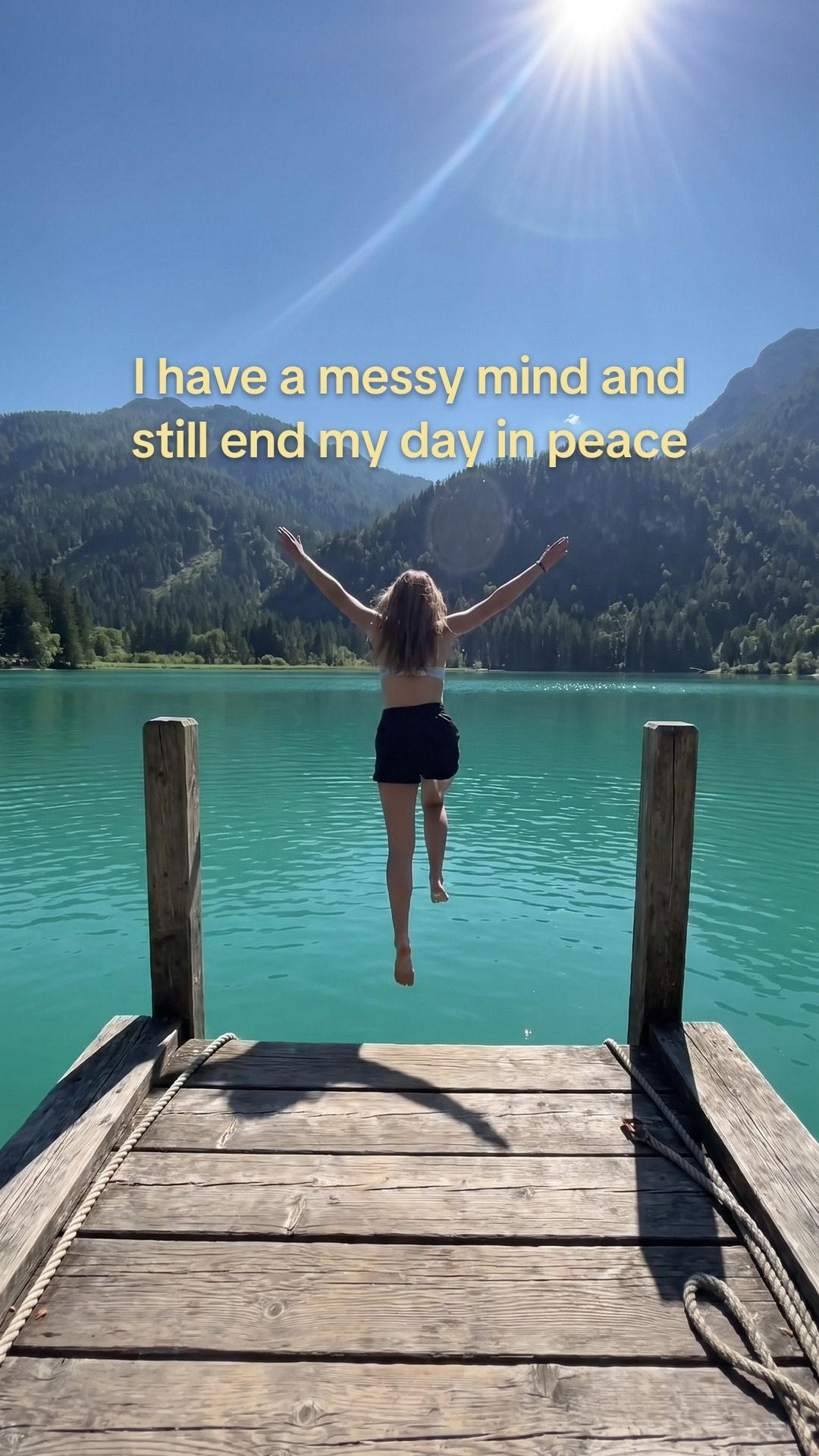
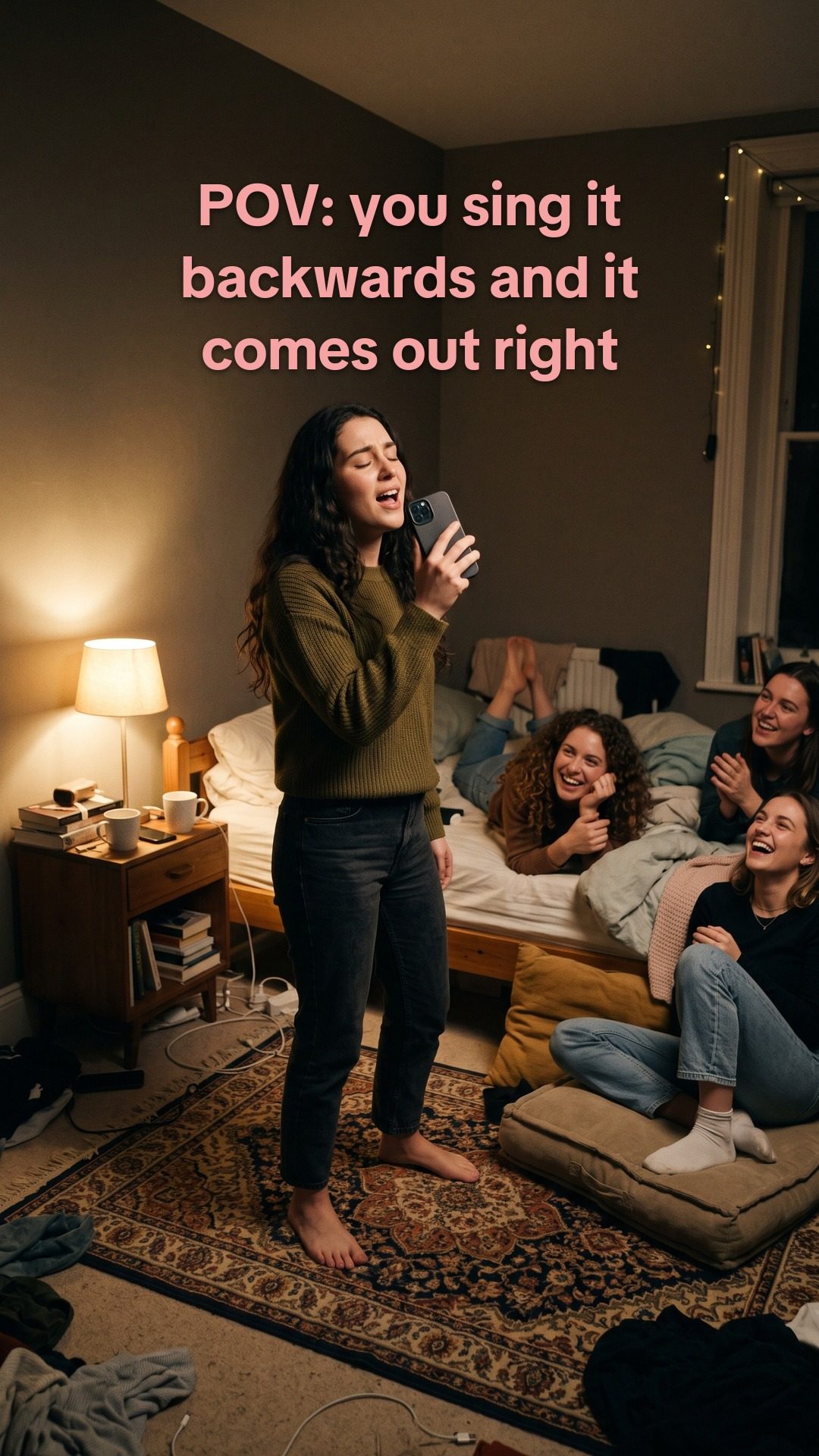
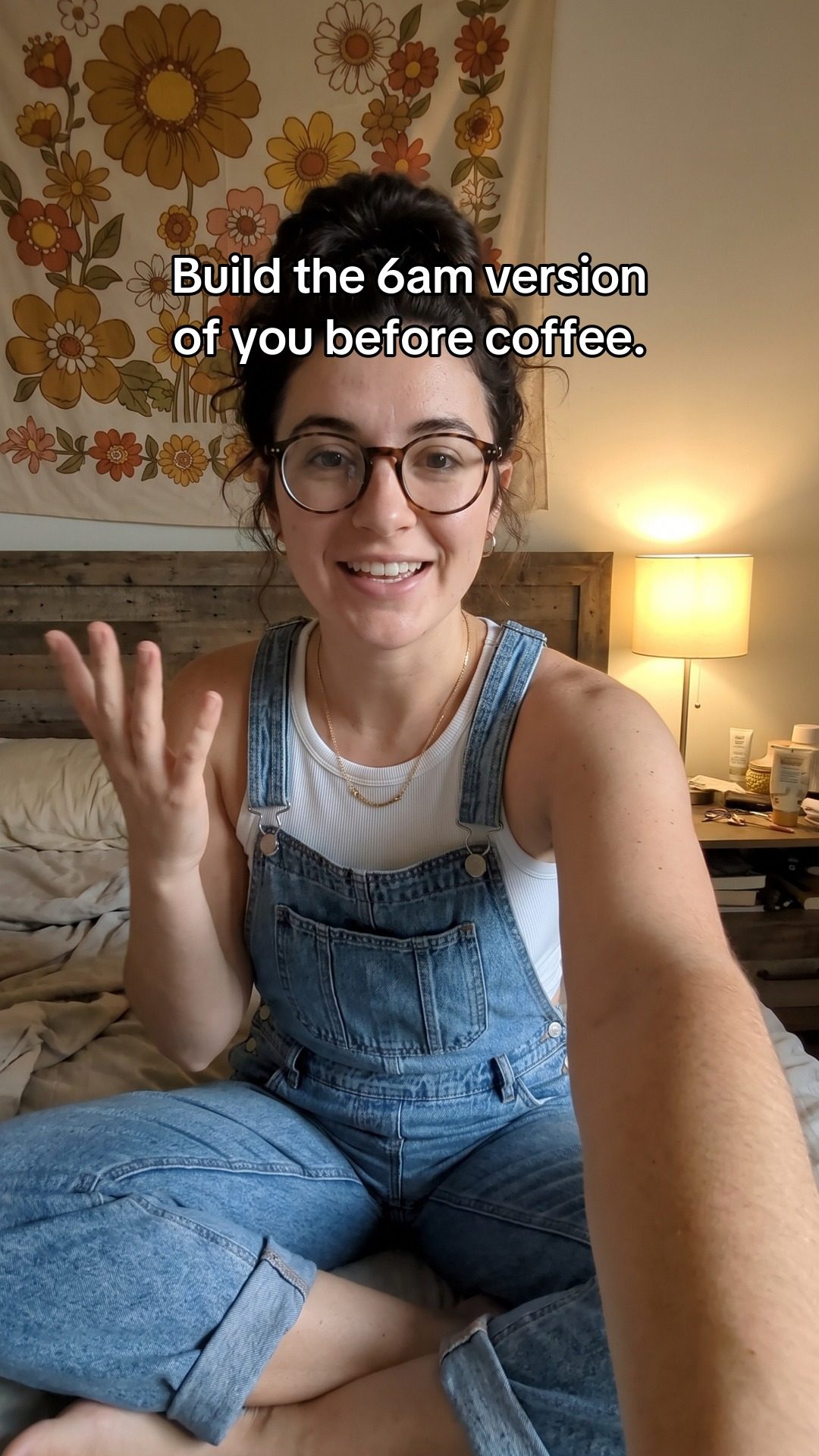
The opening slide of a slideshow is a picture and a hook, and this is what comes back. Every one below was built from a real store listing, and nothing has been retouched since.
We built these ourselves from public store listings, to show exactly what the generator returns.
Paste a link. Read what comes back. Hit post.
Your app name, screenshots, description and tone get read off the listing. You do nothing.
~15 secondsA hook, eight slides of copy, and a picture behind every one.
~90 secondsIt lands as a draft in your TikTok inbox. Or scan the QR and send it anywhere else.
~15 secondsAn opener, the value points and a closing line. The shapes are the ones that work on the app; what fills them comes off your listing.
Colors, screenshots and tone come off your store listing. Set a style once and every later slideshow keeps it.
AI-generated backgrounds, your screenshots, your uploads and stock photos all land in one library. Nothing you make gets thrown away between campaigns.
Rewrite the copy, move and zoom the images, reorder the slides, swap in your own. Nothing is locked.
Link your account once. After that a finished post reaches your TikTok inbox in one tap, caption and hashtags attached. Views and likes sync back here, and if your app is on iOS, App Store Connect puts its daily downloads next to the days your posts went out.
A QR code hands the post to your phone, ready to share into Instagram, Threads or any app you have installed. Or just download the slides.
Every plan writes, builds and schedules your posts. Pick the one that matches how many apps you're growing.
| Starter One app. Find what lands. $24a month, billed monthly | Popular Scale A few apps, posting properly. $59a month, billed monthly | Studio A portfolio, on autopilot. $149a month, billed monthly | |
|---|---|---|---|
| Slideshows/mo | 30 | 150 | Unlimited |
| Apps | 1 | 5 | Unlimited |
| Campaigns per app | 10 | 25 | Unlimited |
| New AI pictures/mo | ~50 | ~125 | ~500 |
| A different picture per slide | Not included | Yes | Yes |
| App Store keyword editing | Not included | Yes | Yes |
| Priority support | Not included | Not included | Yes |
Prices are a month, billed monthly.
In every plan: the full slide editor, visual styles, media library and stock photos, music, TikTok publishing, App Store downloads in Stats, QR share and export, and the scheduler. Pictures are the real limit, not slideshows: past that count, slideshows reuse your library instead of stopping, and your own screenshots, uploads and stock photos never count.
Downloads come from reach, and reach comes from showing up every day with hooks people stop for. That's the work this takes off your plate. Hooks are drawn from formats that are trending right now and written around your app, a new post goes out on the schedule you set, and posts on a linked TikTok account sync their views and likes back here, so you can see which hooks land and make more of what works. If your app is on the App Store, connect App Store Connect and you can watch your daily installs next to the days your posts went out.
No. The hooks get written, every slide gets a background image, and your copy is laid out for you. You review it and tweak whatever you want. You never open a design tool.
Yes. Connect a TikTok account to your project and send any finished slideshow or video to it in one tap, caption and hashtags included. You choose per post whether it goes live on your profile or waits as a draft in your TikTok inbox for you to review. You can link several accounts to a project and choose which ones a post goes to.
Yes, through your phone. Choose Share with QR code, scan it, and your phone opens the post so you can send it into Instagram, Threads, X or any app you have installed, caption and hashtags included. You can also download every slide as an image and post it however you like.
Yes. Put a campaign on the scheduler and pick the weekdays and up to three times a day, in your own timezone. Every run builds a slideshow from the next hook in that campaign, and writes fresh hooks when the list runs low. You decide per campaign whether those runs post straight to your TikTok profile or wait as drafts in your inbox. With no TikTok account linked, the post just waits for you in the app.
Your colors, screenshots and tone come off your store listing, so the output looks like your app rather than a generic template. Set a brand style per project or campaign and nothing drifts from it.
Yes. Rewrite any slide's text, reposition or zoom the image, reorder or remove slides, regenerate an image, or swap in your own upload or a stock image. Nothing is locked.
The backgrounds and the first draft of the copy are, yes. Your screenshots, your uploads and stock photos aren't. When a post uses AI images we label it as AI-generated content on TikTok for you — and where TikTok's API won't take that label, on video uploads and on drafts you finish in the app, we tell you to switch it on yourself.
Yes. Video hook is an AI reaction clip with your hook burned in, and it ends on your app card. It's included in the Scale and Studio plans. You can also upload your own video files and keep them alongside a campaign.
Posts sent to a linked TikTok account sync their views, likes, comments and shares back onto the post here, so you can see which hooks landed. Connect App Store Connect and the Stats tab shows your app's daily App Store downloads next to the dates your posts went out. With an Admin key they're split by where they came from: App Store search, App Store browse, web referrers and app referrers. Apple reports downloads per app per day, not per post or per keyword, and hides small counts. A/B testing is still on the roadmap.
You create a team API key in App Store Connect and add it to your project with its Issuer ID, Key ID and your vendor number. With it you can read your app's daily downloads and its keywords. The only thing it writes is keywords, on Scale and Studio, and only to the version you're preparing, so they go live when you release that version. IndieAppScale never submits a version for review. The key is encrypted at rest, never shown back and never sent to AI providers, and disconnecting deletes it along with every figure it synced. It's App Store only: Play Store isn't supported yet.
Only if you tell it to. Every slideshow is yours to read before it goes anywhere, and a scheduled campaign is set to one of two things: post straight to your TikTok profile, or leave each run as a draft for you to approve. Leave it on drafts and nothing reaches your profile until you have opened it and hit post yourself. With no TikTok account linked at all, posts simply wait for you here.
Yes, and you don't need a TikTok account to start. Paste your store link and you get posts you can download, share by QR code, or keep here until you're ready. Connect TikTok when you want posting to happen from inside the app, and the scheduler takes it from there.
No. New accounts grow their reach by posting steadily from day one, so day one is the day to start. Keeping that rhythm is what the scheduler is for: a new post goes out on the days and times you pick, while you get on with building.
You cancel yourself, from the billing portal, in about two clicks. There is no email to send and nobody to talk to. Your plan keeps running to the end of the period you already paid for, and your slideshows, images and media library stay in your account.
Yes. Pick a track from the catalogue that ships with the app, or upload your own, and it is attached to the post when it publishes. One limit worth knowing: TikTok's API won't let anything choose a specific trending sound on your behalf, so if you want this week's sound you finish that post in the TikTok app.
It's built for your own apps rather than as an agency tool, so there's no client separation, white-labelling or per-seat billing. What it does do: invite a co-founder or a contractor into a project as an editor or a viewer, and they work on the same posts, campaigns and schedule right alongside you.
Paste a link and three finished posts come back. The scheduler keeps them coming.
Paste your store link → Cancel any time, in two clicks.